
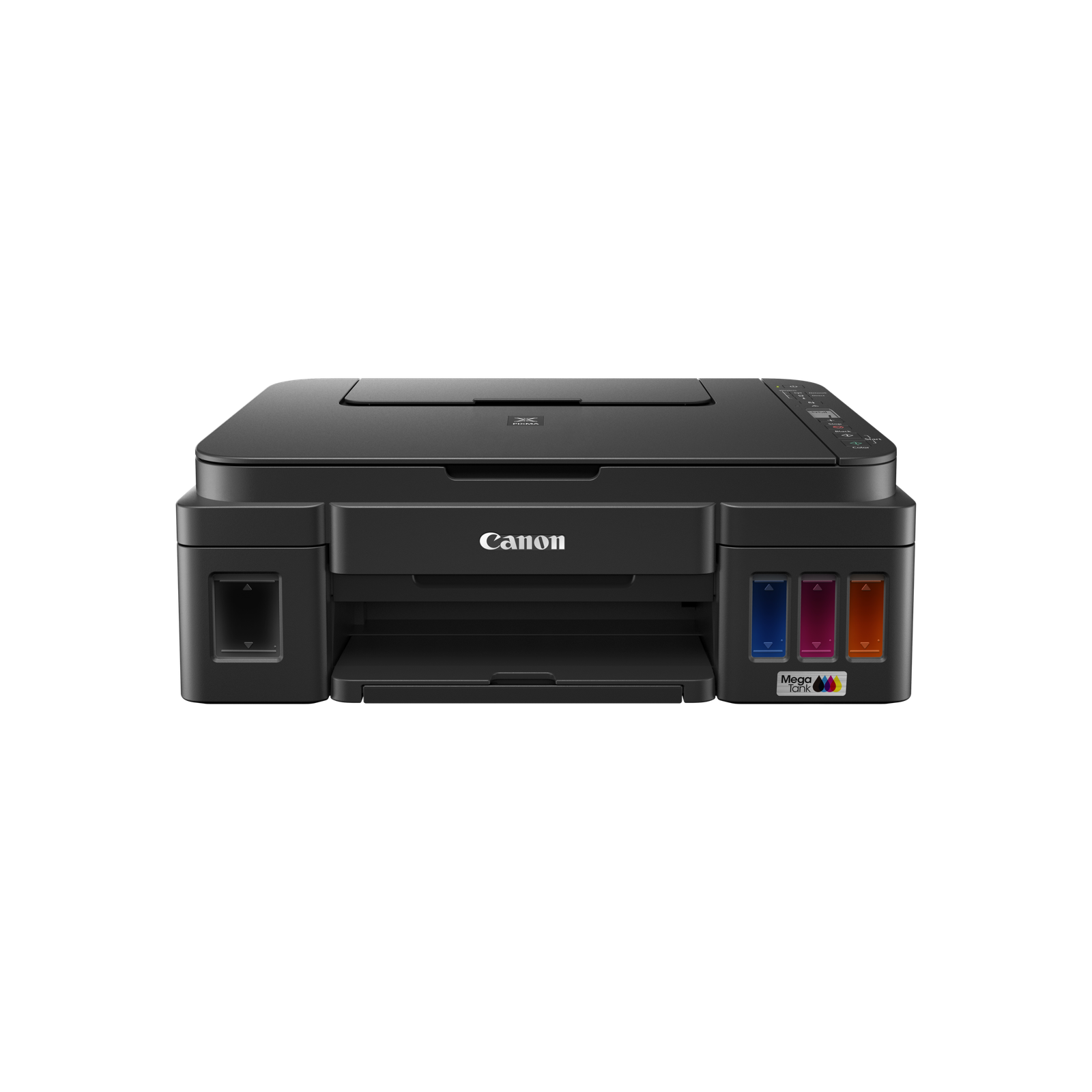
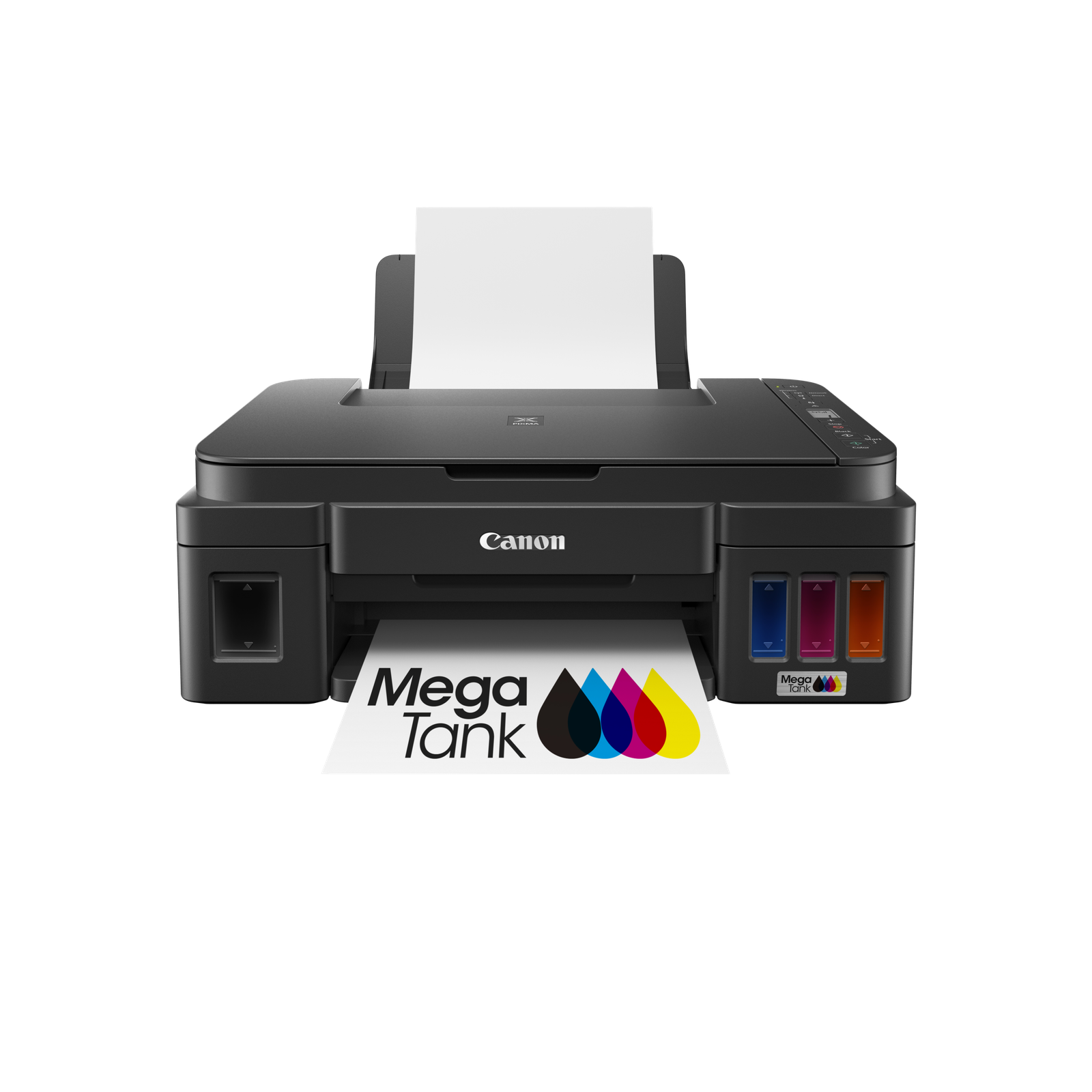
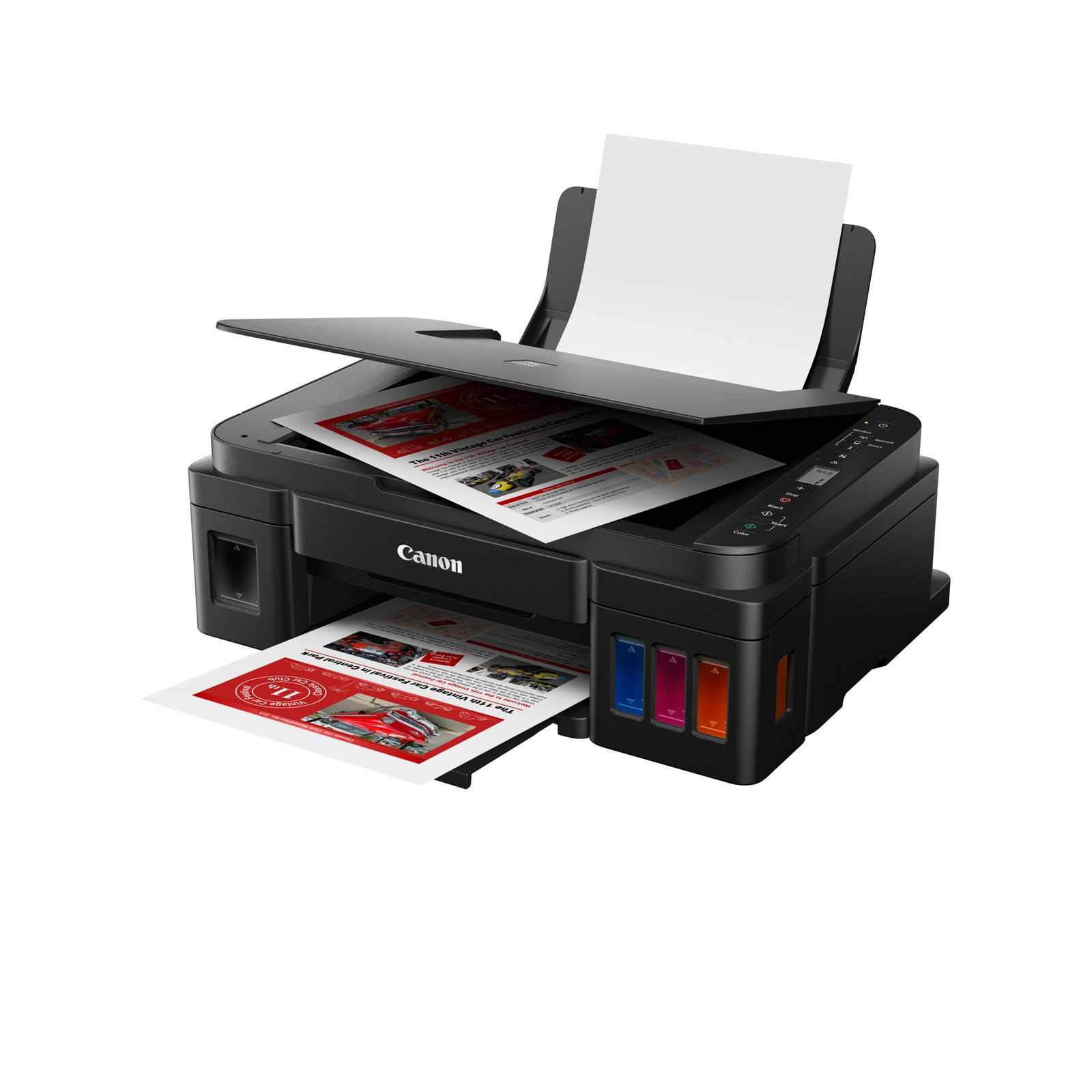
Canon Pixma G3010 Ink Tank Multifunction Printer
Key Specifications
- Functions: Print, Scan, Copy
- Connectivity: Wi-Fi, Mopria Print Service, Wireless Direct, Canon PRINT app
- Print Speed (ISO): Up to 8.8 ipm (Mono) / 5.0 ipm (Color)
- Print Resolution: Up to 4800 x 1200 dpi
- Ink System: Integrated Ink Tanks (GI-790 bottles)
- Page Yield: Approx. 6000 (Black) / 7000 (Color) pages
- Scanner Resolution (Optical): 600 x 1200 dpi
- Paper Handling: Supports Borderless Printing up to A4, various media types (Plain, Photo Paper)
- Operating System: Windows (10, 8.1, 7 SP1), Chrome OS (macOS not supported)
- Dimensions (W x D x H): Approx. 445 x 533 x 260 mm
- Weight: Approx. 6.3 Kg
Features
- High Page Yield: Enjoy lower running costs with high-yield ink bottles.
- Integrated Ink Tank: Compact design with easy ink level monitoring.
- Spill-Resistant Design: Easy and clean ink refilling.
- Mobile Printing: Print from smartphones and tablets.
- 1 Year Warranty.
Description
| Print Head/Consumables | |
| Number of Nozzles | Total 1,472 nozzles |
| Ink Bottles (Type/Colours) | GI-790 (Pigment Ink/Black), (Dye-based Ink/Cyan, Magenta, Yellow) |
| Print Heads | BH-7, CH-7 (Availability may vary by country) |
| Maximum Print Resolution | 4,800 (Horizontal)*1 x 1,200 (Vertical) dpi |
| Print Speed*2 (Approx.)
Click here for summary report |
|
| Document (ESAT/Simplex)*3 | 8.8 / 5 ipm (Mono/Colour) |
| Document (FPOT Ready/Simplex)*4 | 11 / 17 sec (Mono/Colour) |
| Photo (4 x 6″) (PP-201/Borderless)*5 | 60 sec |
| Print Width | Bordered: Up to 203.2 mm (8″) Borderless: Up to 216 mm (8.5″) |
| Recommended Printing Area | Top margin: 31.2 mm Bottom margin: 32.5 mm |
Scan*6
| Scanner Type | Flatbed (Platen) |
| Scanner Technology | Contact Image Sensor (CIS) |
| Optical Resolution*7 | 600 x 1,200 dpi |
| Scanning Bit Depth (Input/Output) | |
| Greyscale | 16 bit / 8 bit |
| Colour | 48 bit / 24 bit (RGB each 16 bit / 8 bit) |
| Maximum Document Size | |
| Flatbed | A4, LTR (216 x 297 mm) |
Copy
Paper Handling
| Print Margin | |
| Borderless Printing*9 | Top/Bottom/Left/Right margin: 0 mm |
| Bordered Printing | LTR, LGL: Top margin: 3 mm, Bottom margin: 5 mm Left margin: 6.4 mm, Right margin: 6.3 mm Others: |
| Supported Media | |
| Rear Tray | Plain Paper (64 – 105 g/m²) High Resolution Paper (HR-101N) Photo Paper Plus Glossy II (PP-201, PP-208) Photo Paper Plus Semi-Gloss (SG-201) Matte Photo Paper (MP-101) Envelope |
| Paper Size | |
| Rear Tray | A4, A5, B5, LTR, LGL, Envelope (COM10, DL), 4 x 6″, 5 x 7″, 8 x 10″, Square (127 x 127 mm), Business Card
[Custom Size] *F4 is possible via custom size settings. |
| Borderless Printing*9 | A4, Letter, 4 x 6″, 5 x 7″, 8 x 10″, Square (127 x 127mm), Business Card |
| Maximum Capacity | |
| Rear Tray | Plain Paper (A4, A5, B5, LTR, 64 g/m²): 100 High Resolution Paper (HR,101N): 80 Photo Paper Plus Glossy II (PP-201, PP-208, 4 x 6″): 20 Photo Paper Plus Semi-Gloss (SG-201, 4 x 6″): 10 Matte Photo Paper (MP-101, 4 x 6″): 20 Envelope (COM10, DL): 10 |
| Paper Weight | |
| Rear Tray | Plain Paper: 64 – 105 g/m² Canon Paper: Approx. 275 g/m² (Max.) (Photo Paper Plus Glossy II, PP-201) |
Network
| Protocol | TCP/IP |
| Wireless LAN | |
| Type | IEEE802.11b/g/n 2.4 GHz, Supported Channels: 1 – 13 (TW/HK: Supported Channels: 1 – 11 only) |
| Security | WEP 64/128 bit WPA-PSK (TKIP/AES) WPA2-PSK (TKIP/AES) |
| Direct Connection (Wireless LAN) | Available (AP Mode only) |
Printing Solutions
| Canon Printing Apps | |
| Mobile | Canon PRINT, Easy-PhotoPrint Editor |
| Others | PosterArtist Lite, PosterArtist (Web) |
| Mobile/Cloud Printing Solutions | Mopria® Print Service, Cloud Integration Service (via smartphone/tablet) |
System Requirements
| OS System Compatibility*10 | Windows 10 / 8.1 / 7 SP1, macOS is not supported, ChromeOS |
General Specifications
| Operation Panel | |
| Display | 1.2″ LCD Segment Mono |
| Interface | USB 2.0 |
| Operating Environment*11 | |
| Temperature | 5 – 35°C |
| Humidity | 10 – 90% RH (no dew condensation) |
| Recommended Environment*12 | |
| Temperature | 15 – 30°C |
| Humidity | 10 – 80% RH (no dew condensation) |
| Storage Environment | |
| Temperature | 0 – 40°C |
| Humidity | 5 – 95% RH (no dew condensation) |
| Quiet Mode | Available |
| Acoustic Noise*13 | |
| Plain Paper (A4, Mono) | 53.5 dB(A) |
| Power Requirements | AC 100 – 240 V, 50/60 Hz |
| Power Consumption (Approx.) | |
| OFF | 0.2 W |
| Standby | 1.2 W |
| Operation*14 | 11 W |
| Dimensions (W x D x H) | |
| Factory Configuration | 445 x 330 x 163 mm |
| Output Trays Extended | 445 x 533 x 260 mm |
| Weight | 6.3 kg |
Related products
-
Sale!

Epson LQ310 Original Ribbon
Original price was: රු1,850.00.රු1,600.00Current price is: රු1,600.00. Buy NowAdd to cart WhatsApp -
Sale!

Epson 057 Original Ink Bottle Set for L8050/L18050/L8150W
Original price was: රු3,400.00.රු3,100.00Current price is: රු3,100.00. Buy NowAdd to cart WhatsApp -
Hp 1008A Laser Printer
රු34,500.00 Buy NowAdd to cart WhatsApp

Reviews
There are no reviews yet.